Table of Contents
Zapier Rolls Out Enterprise AI Governance: App Controls, BYOM, and MCP Now Policy-Enforced
The one line that matters in Zapier's April 23, 2026 release is not BYOM or the SIEM streaming. It is action-level policy enforcement on the MCP layer, because that is the control no major automation platform shipped before and it is the specific thing your security team was right to block on. The rest of the suite (App Access Controls, Log Streaming, Managed Connections) is governance catching up to where Zapier already was for traditional Zaps. The MCP piece is genuinely new, and it is what turns "we can't let Claude touch HubSpot" into a configurable policy instead of a veto. If you run agents or MCP-connected assistants against production systems, this release removes the strongest objection on the table. Here is what is real, what is still gated, and the one architectural gap to plan around.
What Changed
Until now, Zapier's enterprise governance was fragmented. IT teams could set policies on traditional Zaps, but AI agents and MCP connections operated in a separate lane. The April 23 release closes that gap with a unified policy layer Zapier is calling its governance suite.
The headline additions are App Access Controls and Action Restrictions. App Access Controls let administrators decide which of Zapier's 9,000+ connected apps are available to each workspace, team, or individual user, and those restrictions apply consistently whether a user is building a Zap in the editor, directing an AI agent, or routing an MCP-connected tool. Action Restrictions go one level deeper: a sales rep can read and update contacts in HubSpot, but not delete them. That kind of granular permission is new for the MCP layer.
Bring Your Own Model (BYOM) is the other major addition. Enterprises running Zapier Agents can now route all agent processing through their own infrastructure, starting with AWS Bedrock. Your prompts, context, and outputs never leave your network. Zapier also added Log Streaming to SIEM platforms, with Datadog and Splunk supported on launch day, so every agent action and workflow execution flows into your existing security monitoring stack. Managed App Connections round things out by centralizing OAuth credentials through IT-controlled accounts, eliminating the shadow-automation problem of personal credentials scattered across a team.
New controls answer security and legal objections to agents
Zapier surveyed 200 enterprise executives for this launch and found that 93% say AI initiatives occasionally fail to reach production because of governance constraints, and 94% think governance needs to become continuously operating and embedded rather than a static policy document. Those numbers match what we hear from ops leaders every week.
The practical implication: if your team has been cautious about letting Zapier agents touch production systems or customer data, the new controls give you a concrete answer to security and legal's objections. MCP governance in particular is significant. Most MCP deployments today have zero policy enforcement at the action level. Zapier is the first major automation platform to extend first-class governance controls into the MCP layer, which matters as more teams connect Claude, ChatGPT, and other AI assistants directly to their business apps.
The BYOM option is also worth flagging for regulated industries. Healthcare, finance, and legal teams that have been sitting out AI automation because of data residency requirements now have a credible on-ramp.
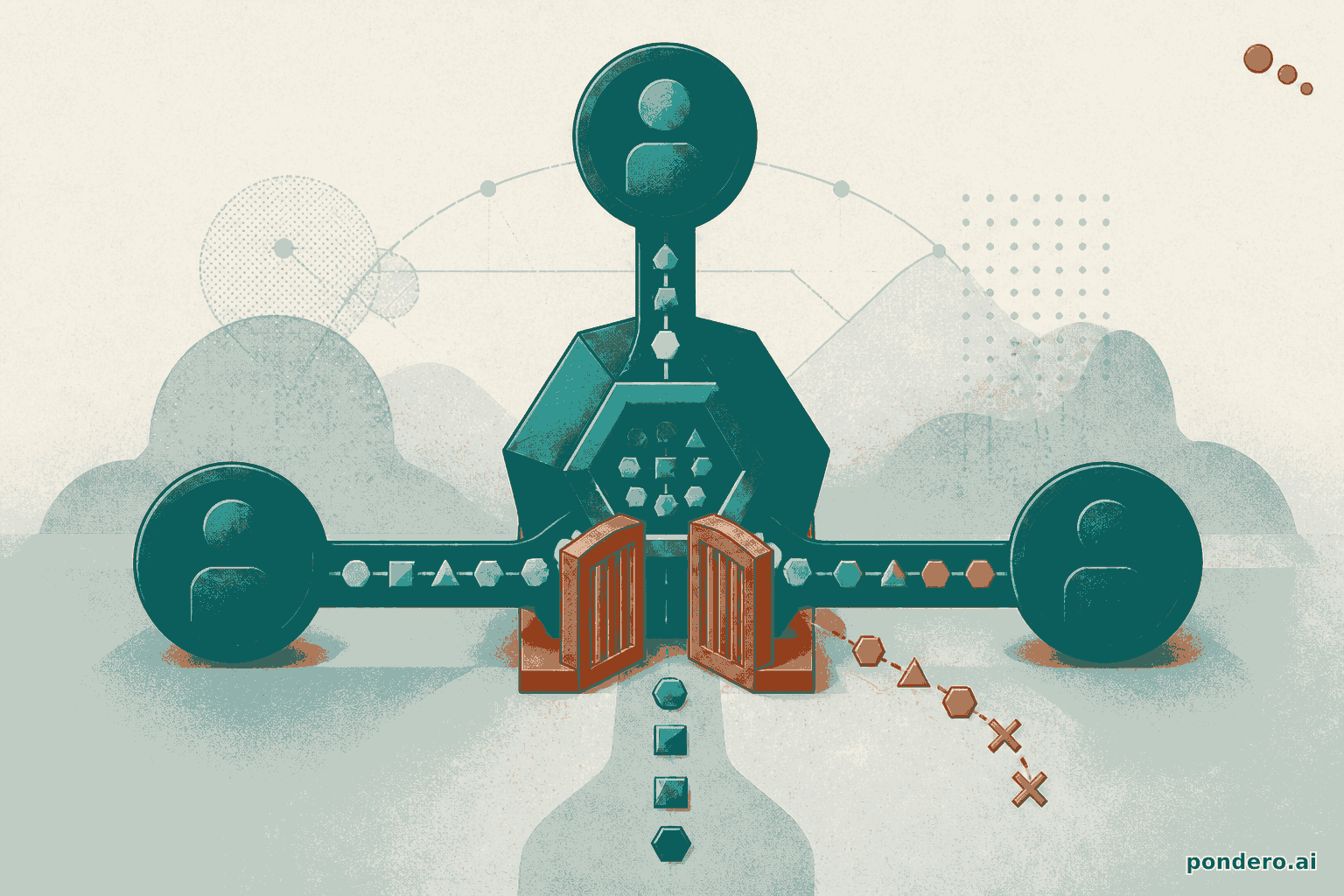
The mechanism is why the MCP piece is the load-bearing one. Before this, an MCP-connected assistant authenticated as a user and inherited that user's full app permissions; the policy boundary was the OAuth scope, which is coarse (read/write on a whole app) and invisible to your admins once granted. Action Restrictions move the enforcement point from the OAuth grant to the individual action call. The assistant can hold a HubSpot connection and still be denied delete_contact specifically, evaluated server-side by Zapier on every MCP tool invocation, not by the model deciding to behave. That is the difference between trusting the agent and constraining it, and it is the property a security review actually asks for.
The setup is a no-code path, so here it is literally. In the workspace admin panel, open Settings then Governance, choose Action Restrictions, pick the connected app (HubSpot), and toggle individual actions: leave Create or Update Contact enabled, set Delete Contact to Restricted. Apply the policy to All MCP connections rather than a single user so a new Claude or ChatGPT connection inherits it by default. The restriction is enforced on the next tool call, no redeploy. Verify it by asking the connected assistant to delete a test contact; the call returns a policy-denied error from Zapier, not a success the model has to be trusted to refuse.
How to Use It
App Access Controls and Action Restrictions are available now at zapier.com/govern for Business and Enterprise plan customers. The setup lives in your workspace admin panel; open Settings → Governance. You can configure access by workspace, team, or individual user, and restrictions are enforced immediately across the Editor, Agents, and any MCP connections.
BYOM with AWS Bedrock requires an Enterprise plan. You connect your AWS account in the Governance settings, choose which Bedrock models Zapier Agents should use, and all inference routes through your infrastructure from that point on. Zapier's documentation lists Claude 3.5 Sonnet and Anthropic's Haiku as the initial supported models via Bedrock.
Log Streaming to Datadog or Splunk is also an Enterprise feature. Once configured, every Zap run, agent action, and MCP tool call emits a structured event to your SIEM. The event schema includes user ID, workspace ID, app name, action type, and outcome: enough context to write meaningful detection rules.
Zapier Agents moved from beta to general availability in this same release, with enterprise MCP support included. If your team has been waiting for Agents to stabilize before rolling out, now is the time to evaluate.
For teams not yet on Enterprise, the free and Business tiers gain access to Workspaces (isolated team environments with per-workspace app and policy configurations) when they reach general availability at the end of Q2 2026.
Whether this changes your call
If a security or legal objection is the only thing keeping Zapier agents out of production, this release is the answer to it, and the move is to pilot Agents under Action Restrictions now rather than wait for the next quarter's polish. The recommendation flips in two cases. First, if your blocker was never governance but reliability or cost, nothing here changes that and you should evaluate Agents on the 60-day buyer guide criteria instead. Second, if you need data residency outside what Bedrock offers in your region, BYOM does not yet reach you and the on-ramp is still closed; that is the one architectural gap to plan around, not assume away. The MCP enforcement is real and ahead of the field. The rest is table stakes Zapier had owed enterprise buyers for a year.
Related Tools on Pondero
- Zapier review and pricing breakdown: we cover the full feature set, what's worth paying for, and when to switch to n8n instead
- Zapier vs Make: which platform fits your stack?: side-by-side comparison including governance and compliance features
- Best AI Automation Tools 2026: where Zapier stacks up against n8n, Make, and Lindy for different use cases
This post is part of Pondero's daily coverage of AI tool updates. See all automation guides