Table of Contents
Cursor for iOS: a remote control for your agents, not a mobile editor
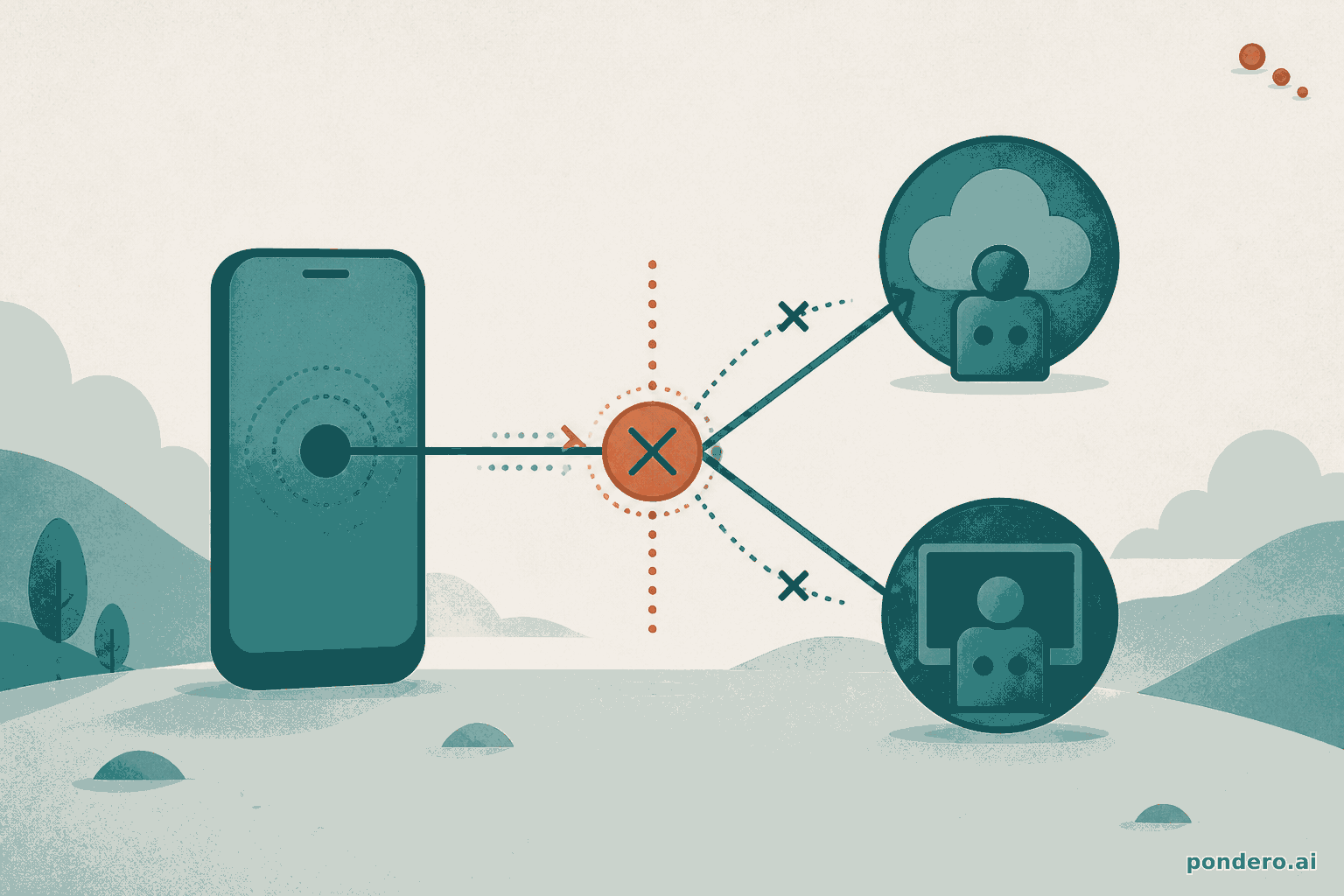
If you opened the App Store hoping to write code on your iPhone, close it. The Cursor iOS app that landed in public beta on June 29, 2026 does not put an editor on your phone. It puts a remote control in your pocket for agents running somewhere else, in the cloud or on the desktop machine you left at your desk (per Cursor's launch post). Get that distinction wrong and you will be annoyed in about ninety seconds. Get it right and the thing earns a slot on your home screen.
The two apps do different jobs. Cursor on the desktop is where you read diffs, tab through completions, and drive an agent across a repo. Cursor on iOS is where you kick that agent off when an idea hits, watch a lock-screen pill while it works, and merge the PR from a train seat. You are not the one typing. The agent is. You are deciding what it should do and whether what it did is good enough to ship.
What the app actually does
There are two paths in, and they matter because they put the work in different places.
The first is cloud agents. You open the app, pick a repo, describe the task by voice or text, and Cursor spins up an agent in an isolated virtual machine with a full development environment (per Cursor's launch post). That VM is not your phone and it is not your laptop. It is a sandbox in Cursor's cloud that can run long, iterate toward a merge-ready PR, and produce demos, screenshots, logs, and diffs you review inside the app. You can pick any frontier model and steer it with slash commands, same as on the desktop.
The second is Remote Control. Already have an agent running in Cursor on your computer? The phone connects to that session and keeps directing it. It has one requirement: your machine has to stay awake and reachable, so the app exposes a setting to keep the computer from sleeping while you are away from your desk (per Cursor's launch post). Forget that toggle and your "remote control" talks to a sleeping laptop.
Then there is the part that makes it usable when you are not staring at the screen. Once an agent is running, you leave the app. Cursor pushes Live Activities to your lock screen and sends a notification when the agent finishes, needs input, or has a PR ready (per Cursor's launch post). That is the difference between checking in every five minutes and getting tapped on the shoulder only when there is a decision to make.
Handoff closes the loop. You can send a local plan up to a cloud agent, push an in-progress agent to the cloud so it keeps running after you walk away, then pull the session back down to your computer for local testing before you merge (per Cursor's launch post). Work moves between phone, cloud, and laptop without you re-explaining the task each time.
Launching your first cloud agent
The flow mirrors the desktop, so there is almost nothing to learn. Open the app, tap New Agent, pick a repo from the list Cursor pulls from your connected GitHub account, choose a model, then dictate or type the task. A spoken prompt becomes the agent's instruction; a slash command scopes what it does. The shape of a first task looks like this:
/fix
The /checkout endpoint returns a 500 when the cart is empty.
Reproduce it, add a guard, and open a PR. Don't touch the payment flow.
Tap send and the agent picks up in a cloud VM. You can lock the phone. When the lock-screen Live Activity flips to "ready for review," open it, read the diff, and either leave a follow-up ("also add a test for the empty-cart case") or merge. The whole point is that the typing-heavy part runs somewhere with a real keyboard and a real environment. Your job on the phone is direction and approval.
When it is actually worth opening
Three moments where this beats waiting until you are back at a keyboard.
You are on call and something breaks at lunch. Instead of sprinting home, you open the app, describe the symptom, and let a cloud agent investigate and draft a fix. Cursor's own pitch leans on exactly this: get paged, kick off an agent, and have a PR waiting for review by the time you are back at your computer (per Cursor's launch post). You are not fixing the bug from your phone. You are starting the work so it is already running while you travel.
A customer reports a time-sensitive bug while you are away from your desk. Same shape: start an agent to reproduce it, inspect the relevant code, and work toward a fix, all before you reopen the laptop (per Cursor's launch post).
And the quieter win, the review queue. An agent finished a PR while you were in a standup. You read the diff on your phone, leave a follow-up instruction or two, and merge from the app (per Cursor's launch post). The work that used to pile up until you sat down now clears in the gaps between meetings.
One more, because it is the one we keep coming back to: kicking off a long-running agent right before you leave the desk. The cloud VM does not care that you closed your laptop. It runs while you commute, and the lock-screen pill tells you when it is ready. You arrive to a diff, not a blank prompt.
What it cannot do yet
This is a beta, and it shows in the gaps.
There is no repo-less chat. Every task starts by picking a repo, so a quick "explain this error" with no codebase attached is not a thing yet. Cursor says it is building repo-less chats for lighter tasks that do not need full codebase context, but that is roadmap, not shipped (per Benzinga, June 29, 2026).
There is no offline mode, which follows directly from the architecture. The agent runs in the cloud or on your desktop. Your phone is a thin client. No signal, no remote control.
The device bar is real, too. The App Store listing requires iOS 26.0 or later (per TestingCatalog, June 29, 2026). Nursing an older iPhone? Check that before you get attached to the idea. The download is free with in-app purchases, but beta access is tied to a paid Cursor plan (per TestingCatalog).
Which plan gets you in
The beta is on all paid plans (per Cursor's launch post). The free Hobby tier does not include it, because cloud agents themselves start at the paid Individual tier. Here is the current pricing, pulled from Cursor's page.
| Plan | Price (per Cursor's pricing page) | Cloud agents + iOS beta |
|---|---|---|
| Hobby | Free | No (limited agent requests, no cloud agents) |
| Individual | $20 / month | Yes |
| Teams | $40 / user / month | Yes, with shared team context |
| Enterprise | Custom | Yes, plus pooled usage and access controls |
Pricing per Cursor's pricing page, checked June 30, 2026. Cloud agents and frontier-model access appear on the Individual plan and up, which is the floor the iOS beta needs.
There is also a clock on the cheap-experiment window. Composer 2.5 runs are 75% off inside the mobile app through July 5, 2026 (per Cursor's launch post). Paid subscribers who want to throw a few real tasks at the mobile agent without watching usage costs have that one week to do it. After July 5, runs bill at standard rates.
Who should open it now, and who should wait
Already paying for Cursor? Open the beta. It costs nothing extra to try, it is live on every paid tier, and the on-call and review-queue workflows alone justify the home-screen slot. Start with one low-stakes cloud agent so you learn the notification rhythm before you trust it with anything urgent. The promo window through July 5 makes this an easy call.
On the free Hobby plan, the iOS app is not the reason to upgrade. Cloud agents are the reason, and the phone is a nice surface on top of them. Decide whether the desktop editor earns its monthly cost first; our Cursor review from June 24 walks through that call for solo devs and teams. A worthwhile editor makes the mobile app a free bonus. A so-so one will not be rescued by a phone app.
For enterprise procurement, the iOS beta does not move the question that actually matters. SpaceX agreed to acquire Cursor in a deal that values the company around $60 billion, against roughly $4 billion in annualized revenue (per Benzinga, June 29, 2026). A mobile control surface is a feature. An ownership change mid-contract is a risk. Hold on multi-year commitments until that closes, regardless of how slick the phone app is.
The short version: this is one of the first mobile agent-control apps to ship from a major IDE vendor, and it nails the one job it set out to do. It will not turn your phone into an editor. It turns your phone into the place you start, watch, and approve work that runs everywhere else. If that fits how you already work, grab it from Cursor and point a cloud agent at your next paged incident.