Table of Contents
CustomGPT.ai for Zendesk: setup, what it does differently, and whether it beats Zendesk's native AI
Reviewed June 11, 2026 by Pondero Reviews.
Your team has already answered the question. Some agent worked out the fix eight months ago, typed it into a ticket, closed it, and moved on. That answer is sitting in your Zendesk archive right now, and nobody can find it. It never got written up as a Help Center article, so your customers can't search it and your newer reps don't know it exists.
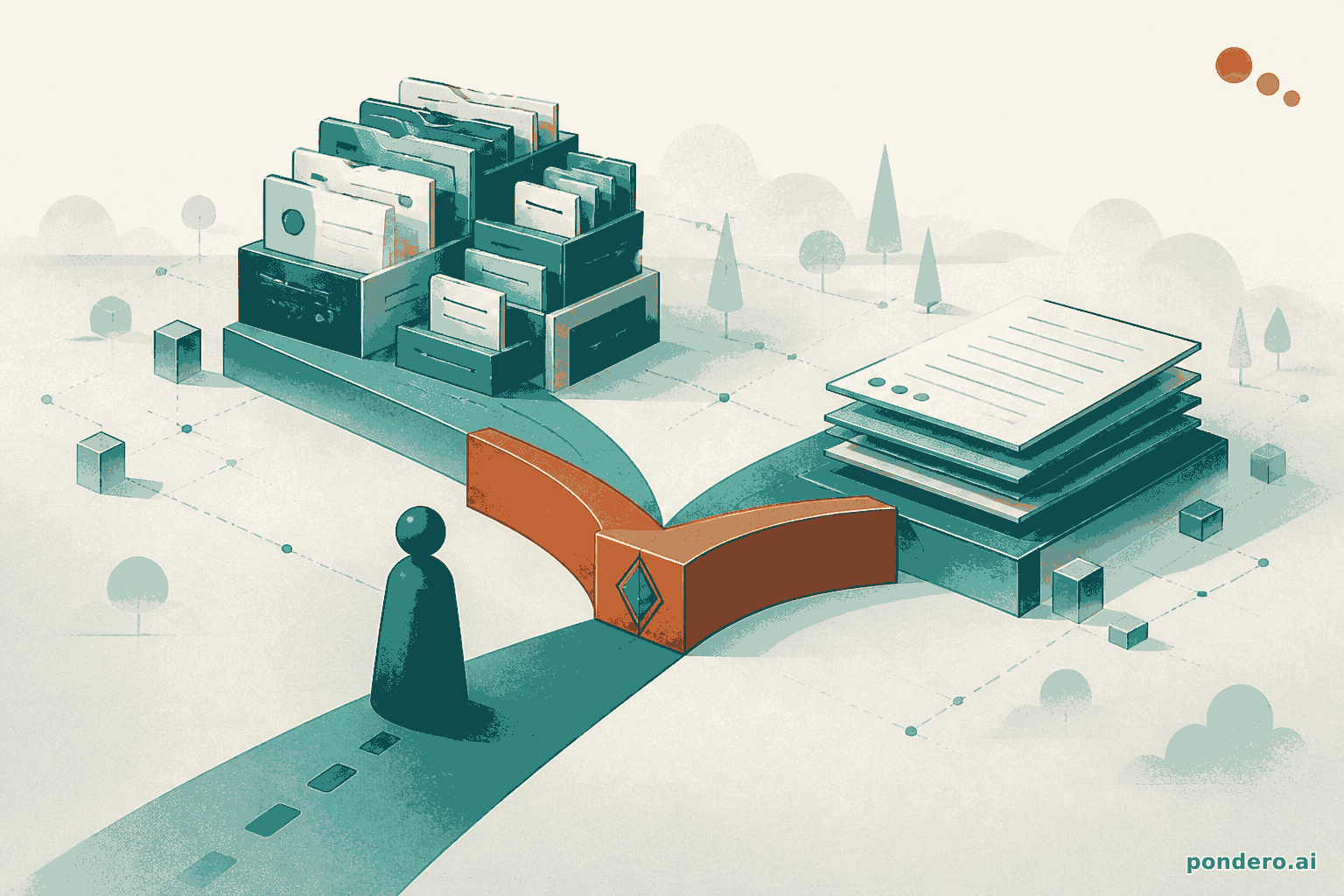
That gap is the whole pitch for the Zendesk integration CustomGPT.ai shipped on June 11, 2026. It connects to your Zendesk account over OAuth and trains an AI agent on your resolved ticket conversations, your Help Center, or both, then deploys that agent as a chatbot (CustomGPT, June 2026). The structural difference versus Zendesk's own AI is one line, and it decides the whole buy: Zendesk's native AI answers from your documentation, while CustomGPT can also read closed tickets and surface fixes that were never documented at all (CustomGPT FAQ). If your real support knowledge lives in tickets rather than articles, that is the difference between an agent that knows your product and one that knows your Help Center.
The scorecard: CustomGPT vs Zendesk native AI
Here is the decision in one table. Both can resolve repetitive questions; they diverge on what data they read and where the answer lives.
| Axis (as of 2026-06-11) | CustomGPT.ai for Zendesk | Zendesk native AI |
|---|---|---|
| Data scope | Resolved tickets + Help Center, or either alone (source) | Help Center and documentation |
| PII controls | Built-in anonymizer strips names, emails, phone numbers, addresses before storage; per-agent on/off (source) | Inherits your existing Zendesk data governance |
| Setup time | OAuth connect, pick sources, deploy; "most teams" finish in minutes (source) | Already inside Zendesk; enable in admin |
| Pricing entry point | $99/mo Standard, standalone subscription (source) | Bundled into certain Zendesk plan tiers (Zendesk pricing) |
| Deployment surface | Embed the widget anywhere, or share a direct link | Stays inside the Zendesk interface |
| Auto-sync | Enterprise plan only; Standard and Premium re-sync manually (source) | Native to the platform |
| Verdict | Pick it when answers live in closed tickets | Pick it when your Help Center is thorough and you want zero new tooling |
The verdict row is the one to read twice. This is not a "which tool is better" question. It is a "where does your support knowledge actually live" question, and the honest answer for most teams is: in the tickets, not the docs.
Why does that matter now? Salesforce surveyed 3,075 customer service professionals and found the single most improved metric after deploying AI agents was customer satisfaction, ahead of rep productivity, average handle time, and retention (Salesforce, 2026). Gartner, separately, predicts agentic AI will autonomously resolve 80% of common customer service issues without human intervention by 2029 (Gartner, March 2025). An agent only hits those numbers if it has good knowledge to draw from. Your best answers are the ones a senior rep typed at 4pm on a Tuesday and never turned into an article.
How the integration actually works
Four steps, and the order matters because two of them are where teams make a decision they can't easily walk back.
1. Connect over OAuth. You enter your Zendesk subdomain, authorize the connection with one click, and CustomGPT links to your account (CustomGPT, June 2026). No developer, no API token to rotate. The older token-based integration still exists but is being phased out in favor of this subdomain-plus-OAuth flow (source).
2. Choose your sources. This is the first real fork. You pick Help Center only, resolved tickets only, or both, and you can change the selection later (source). Both is the widest net: formal docs plus the messy real-world resolutions that never made it into an article. Help Center only makes CustomGPT behave a lot like Zendesk's native AI, which somewhat defeats the reason you'd add a second tool. If you're paying for this, you almost certainly want tickets in the mix.
3. Set the anonymizer. Before any ticket content gets stored, the built-in anonymizer can strip names, emails, phone numbers, and addresses (source). For a customer-facing agent it's on by default. The genuinely useful detail competitors gloss over: the setting is per agent. You can run one anonymized agent on your public support portal and a second full-context agent for your internal team, both off the same Zendesk account (source). Disable anonymization on the internal one and your reps see full ticket context.
4. Pick how it stays current. Read the plan gate here. The marketing says your agent picks up new tickets and article edits automatically. The FAQ is more precise, and it's the line the brief flagged: auto-sync is an Enterprise plan feature (source). On Standard and Premium, a refresh is manual or triggered, not continuous. So if you're a small team on the $99 tier, budget a habit: re-sync after a busy week, or the agent's knowledge drifts behind your real ticket queue. This is the gotcha that bites at month two, not day one.
Want to walk it yourself? Start your free trial at CustomGPT.ai; the connection and initial sync run in minutes for most teams, per the vendor (source).
One more thing the docs do well: every answer the agent gives links back to the source ticket or article, and when it can't find a match it says so instead of inventing one (source). That citation behavior is the difference between a support tool your reps trust and one they quietly stop using.
What you'll pay, by team size
CustomGPT is a standalone subscription. That's the mental shift versus Zendesk's native AI, which comes bundled into certain Zendesk plan tiers rather than as a separate line item (Zendesk pricing). You're adding a tool, not flipping a switch on one you already pay for. Whether that's worth it depends on where your answers live, and on which CustomGPT plan your team actually needs.
Three plans, priced as of June 11, 2026 (CustomGPT pricing):
- Solo rep or tiny team: Standard, $99/mo (or $89/mo billed annually). You get 10 agents, 1,000 queries per month, 5,000 documents per agent, 60M words of storage, and 3 team seats. For a one or two person support function answering a steady but not enormous question volume, this clears the bar. The catch is the manual re-sync, so this tier rewards teams whose ticket flow doesn't change daily.
- 5-person team: still Standard, watch the query ceiling. A five-rep team can run on Standard, but 1,000 queries a month is roughly 33 a day. Customer-facing deflection burns through that fast. If your widget is public and busy, you're looking at Premium, $499/mo (or $449/mo annually): 25 agents, 5,000 queries per month, 20,000 documents per agent, 300M words, and 5 seats. Premium is the right read for a team putting the agent in front of customers at volume.
- Org with a dedicated agents budget: Enterprise (custom). This is the only tier with automatic real-time sync across data sources, plus advanced role-based access control, custom SSO, a DPA, and forward-deployed engineers (CustomGPT pricing). If "the agent must reflect a just-closed ticket within the hour, automatically" is a hard requirement, Enterprise is not optional. It's the feature gate.
The query count is the number to size on, not the seat count. Teams underbuy by counting people and overrun the monthly query cap in week three.
When CustomGPT beats Zendesk's native AI, and when it doesn't
CustomGPT wins when your documented knowledge and your actual knowledge have drifted apart. If your Help Center is thin, stale, or just never caught up to how your product really behaves, your tickets hold the truth and Zendesk's native AI can't read them. CustomGPT can. It also wins when you want the agent off the Zendesk island: the widget embeds on any site or ships as a direct link, so the same trained agent can live on your marketing site, your docs, or an internal portal (source). And it wins for a mixed internal/external setup, because the per-agent anonymizer lets one account power both a privacy-safe public bot and a full-context internal one.
Zendesk's native AI wins on a shorter list, but it's a real one. If your Help Center is genuinely thorough and current, the documentation is the knowledge, and a tool that also reads tickets adds cost without adding much signal. Native AI also wins on procurement simplicity: it's already inside the plan you pay for, with no new vendor, no new subscription, and no separate data-processing review. For a team that wants AI deflection and wants it this afternoon with zero added tooling, native is the faster yes.
The candid con on CustomGPT, stated as plainly as the pros: continuous auto-sync is gated to Enterprise. On the $99 Standard and $499 Premium tiers (pricing) you own the refresh, and an agent that silently falls a month behind your ticket queue is worse than no agent, because your reps will trust a stale answer. Build the re-sync habit or buy up to Enterprise. Don't pretend the gap isn't there.
For a broader look at CustomGPT against Chatbase and Chipp as general chatbot builders, see our May 2026 comparison. This piece is narrower on purpose: it's only about the Zendesk decision.
The verdict, one line per team
Small support team (1 to 5 reps): if your fixes live in closed tickets rather than a polished Help Center, CustomGPT Standard at $99/mo (pricing) is the pick, as long as you'll keep up the manual re-sync; if your docs are already strong, stay on Zendesk's bundled native AI.
Mid-market (busy, customer-facing widget): go CustomGPT Premium at $499/mo (pricing) for the 5,000-query ceiling and the per-agent anonymizer that lets one account serve both customers and staff.
Enterprise: if automatic real-time sync, RBAC, and SSO are hard requirements, CustomGPT Enterprise is the only tier that delivers them; below that, the manual-sync gap will eventually burn you.
Connect your Zendesk account and try it on your own ticket history at CustomGPT.ai. The test that matters is simple: ask the agent a question your Help Center never answered, and see whether a closed ticket from last quarter saves you.