Table of Contents
Cursor 3.2: /multitask and Canvases Turn the IDE Into an Agent Execution Platform
Cursor 3.2 shipped April 24, 2026, and it is the release where Cursor stops being an AI-assisted editor and starts being an agent execution runtime. Two features carry that claim: /multitask spawns async parallel subagents, and Canvases replace the chat-wall output with a live dashboard you interact with. The reason this is a category change and not a feature bump: the dominant cost in agentic work was never the model's quality, it was serial waiting, and /multitask is the first Cursor feature that attacks that directly. If your work never leaves single-file edits, skip this. If you run multi-step agent work, it changes the shape of your day, and I switched our internal refactor workflow onto it the week it shipped.
What Changed
Parallel async subagents with /multitask
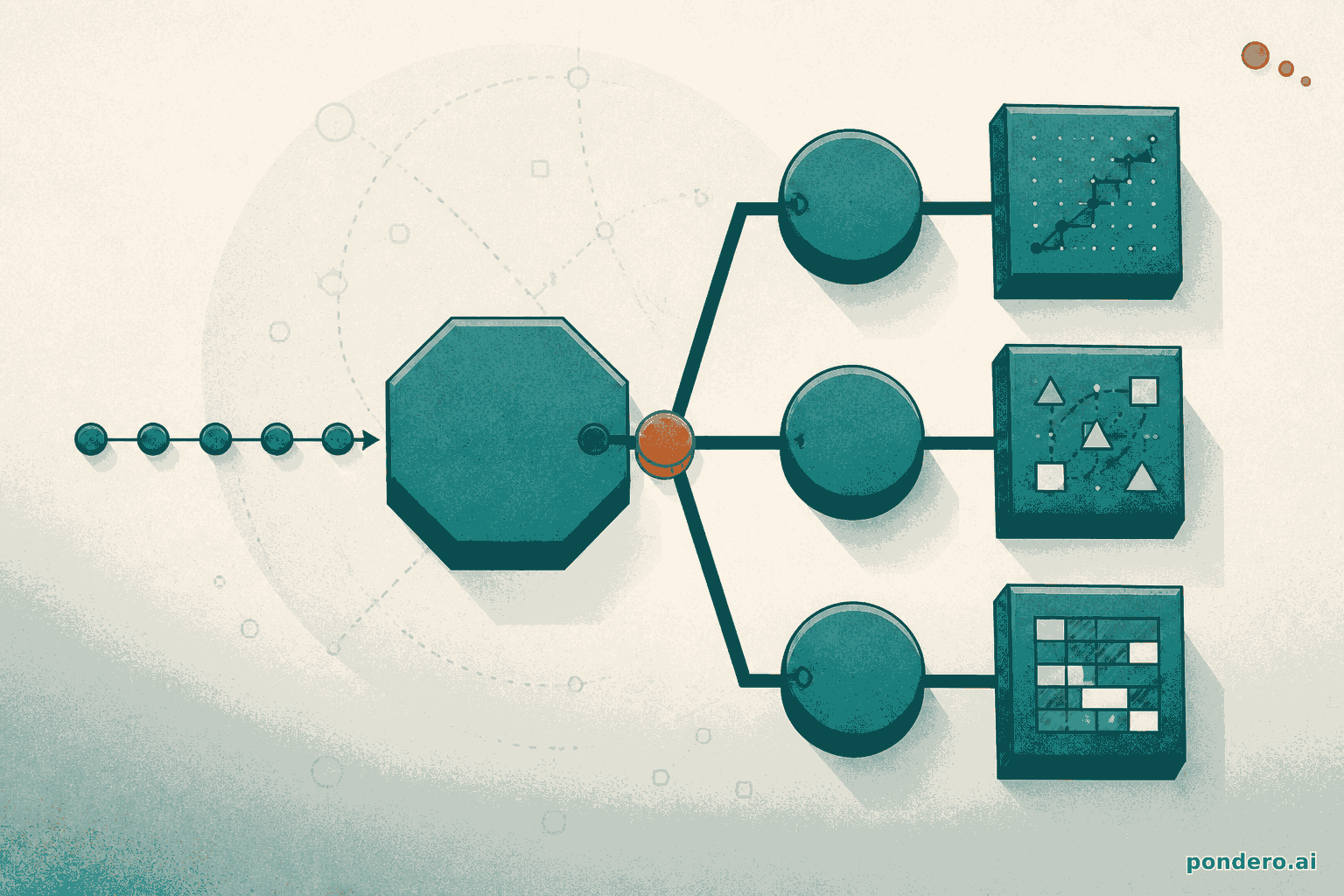
Before 3.2, queued requests in the Agents Window ran serially. Task one blocked task two. That was the bottleneck. /multitask breaks it. Cursor now spawns a fleet of async subagents that run at the same time, and larger tasks get chopped into chunks and spread across them automatically. The tiled layout in the Agents Window means you watch every output side by side without tab-hopping.
Concretely: ask Cursor to refactor three modules and write tests for each. It no longer finishes module one before touching module two. All three run together, and wall-clock time drops accordingly.
Canvases: interactive artifacts in the side panel
Canvases are durable, interactive outputs. They live in the Agents Window side panel next to the terminal, browser, and source control. The old failure mode was a wall of markdown scrolling past in chat. Now an agent can build something you actually use:
- Tables and charts with real data
- Diagrams and flowcharts
- Diff views and to-do lists
- Custom interactive interfaces with logic baked in
A Canvas persists across the session. Sort the table. Drill into the chart. You interact with the artifact directly instead of re-prompting for every update.
Expanded worktrees and multi-root workspaces
3.2 also expands worktrees in the Agents Window for isolated background work across branches. One agent session can now target a multi-root workspace that spans several repos. Cross-repository changes used to mean juggling separate windows. Not anymore.
Why It Matters
Three things shift in practice, and the first one is the load-bearing one.
Parallelism removes the dominant tax in agentic work, which is waiting, not thinking. The mechanism worth understanding: before 3.2 the Agents Window queue was serial, so an N-task plan cost the sum of all N runtimes even when the tasks shared nothing. /multitask makes that cost the longest single task plus overhead instead of the sum, so the savings scale with how independent your tasks are, not with the count. A three-module refactor with no shared state collapses toward one module's runtime. A dependency chain barely moves.
Canvases fix a separate, smaller problem: agent output that scrolls past in markdown is easy to miss and impossible to sort. A live, interactive dashboard for a migration plan or dependency graph is genuinely better than 400 lines of chat, though this is an ergonomics win, not a runtime one. Multi-root workspaces matter for monorepo and multi-service teams: one session, a coordinated frontend-and-backend change, no window juggling. Net effect for anyone running agent tasks at scale: the per-task overhead drops, and it drops with the parallelizable fraction of the work.
How to Use It
Start with /multitask:
- Open the Agents Window (
Cmd+Shift+Aon Mac) - Type
/multitaskfollowed by your compound request, e.g.,/multitask refactor auth module, add unit tests, and update the README - Cursor breaks the request into subtasks and spawns subagents. Watch them run in the tiled pane layout.
For Canvases:
- In the Agents Window, ask for output that benefits from structure. Dashboards, comparisons, architecture diagrams.
- The agent creates a Canvas in the side panel automatically instead of dumping text into chat
- Interact directly. Click rows, adjust filters, or ask the agent to update the Canvas in place.
For multi-root workspaces:
- Open multiple repo folders in a single Cursor window (
File > Add Folder to Workspace) - In the Agents Window, the agent session has access to every root, so you can reference files across repos by path
One pricing note. /multitask and Canvases run on the Pro plan ($20/mo) and above. The Business plan ($40/user/mo) adds the self-hosted cloud agent support announced in the same release cycle.
Related Tools on Pondero
Weighing Cursor against its closest competitor? Our Cursor vs Copilot comparison does that head to head. For the wider field, the Best AI Coding Tools guide covers every serious option.
Our Cursor full review breaks down the strengths, the weaknesses, and who it's actually right for.
This post is part of Pondero's daily coverage of AI tool updates. See all coding guides.