OpenAI ships reasoning effort slider and Google Drive editing to ChatGPT in August updates
ChatGPT rolled out two concrete capability changes in August: a per-message control for reasoning depth, and in-place editing for Google Drive files from inside the chat. Neither required a new model or a pricing change.
What happened
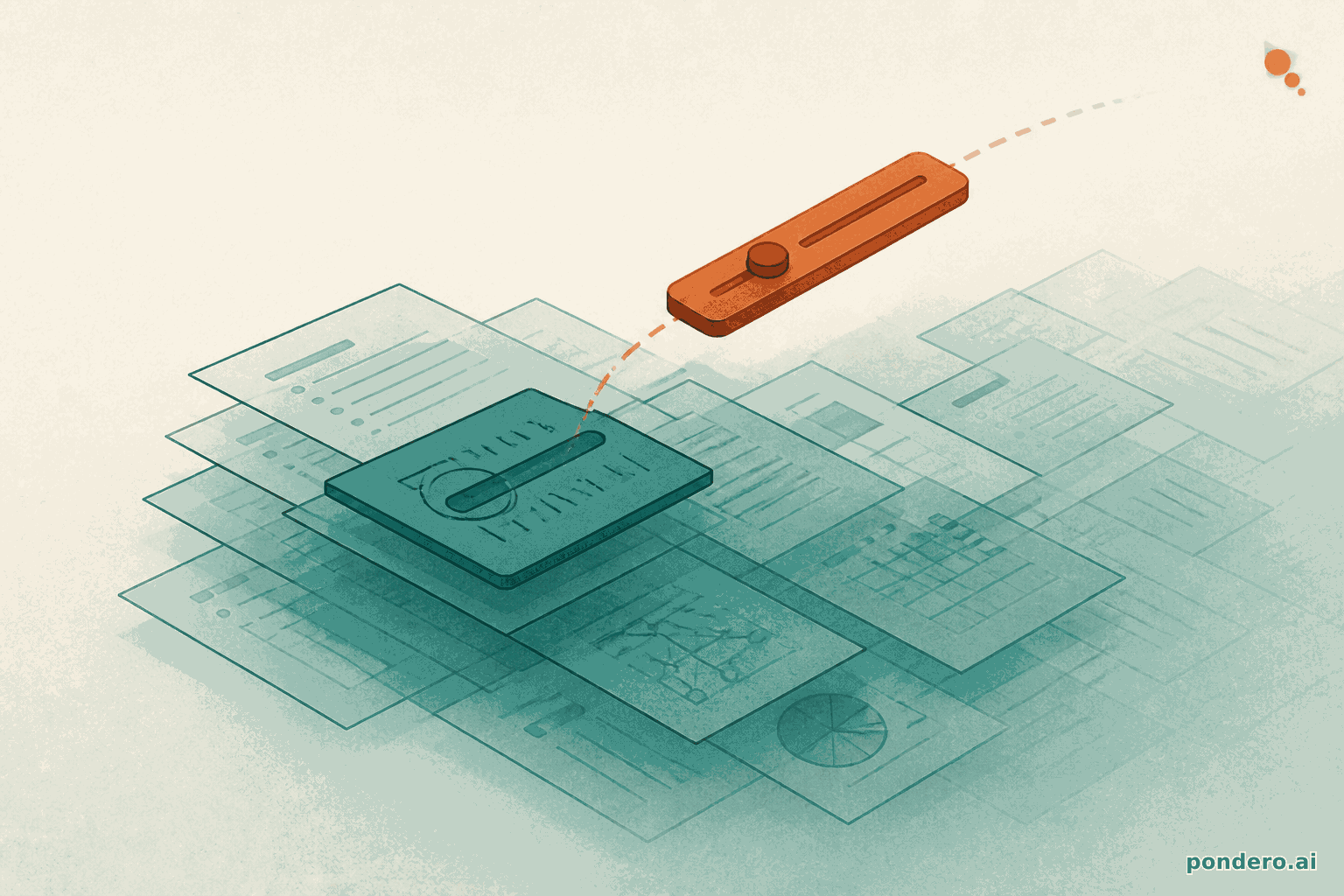
On August 6, a reasoning effort slider appeared for Plus and Pro subscribers using GPT-5.6 Sol, per Releasebot's OpenAI changelog. Users adjust it per message. Low settings return answers faster; high settings allow more time for chain-of-thought processing before the response. Agent builders in ChatGPT Work received a parallel control: when setting up an agent on GPT-5.5, they can now specify the reasoning effort it uses by default.
Google Drive integration followed eight days later. Starting August 13, Plus, Pro, Business, Enterprise, Education, and Healthcare subscribers could browse Drive files from the ChatGPT Library and pull them into a conversation via @mention rather than uploading copies, per Releasebot. Crucially, edits go back to the original file in Drive. No separate draft is produced, per 9to5Mac. Business and Enterprise admins can restrict write access or disable the feature entirely through account controls.
A late-month update on August 27 added granular temporary-chat settings. Users can now toggle whether a temporary session draws on their saved memory and installed plugins, or starts clean with no personalization.
Why it matters
Before the slider, ChatGPT decided internally how long to think. Giving subscribers a per-message setting changes that. A Plus or Pro user can send a quick, low-effort prompt for a simple lookup and dial up depth only when a problem warrants it. That kind of granular control existed at the API level for developers, but consumer subscribers had no equivalent. Exposing it in the chat UI closes that gap.
On the Drive side, the critical detail is the write-back behavior. ChatGPT rewrites the stored document rather than handing the user a revised copy to paste back. For teams already working in Google Workspace, that removes a friction step that made AI editing awkward in practice. Organizations worried about unauthorized edits have a safety valve: Business and Enterprise admins can cap the integration at read-only without removing Drive access.
What to watch next
Right now the effort slider lives only inside ChatGPT. Developers want an equivalent API parameter so apps built on GPT-5.6 Sol can set reasoning depth per call without the overhead of separate model tiers. On the Drive side, watch whether OpenAI extends the August rollout to formula generation in Sheets or template-based Slides creation, which would move the integration from document editing into document authoring.
Sources
- ChatGPT Updates by OpenAI, August 2026 (Releasebot): primary changelog with dates and feature descriptions
- ChatGPT subscribers can now open and edit Google Drive files (9to5Mac): tier eligibility and in-place editing detail